Highlight, underline, strike through
Mark up text exactly like you would with a pen, in five highlighter colors.
Highlight, underline, sketch, and leave notes on any PDF — right inside Chrome. Everything you mark is saved as a real PDF annotation, so it's still there in Acrobat, Preview, or anywhere else you open the file.
No account. No server. Your PDFs and notes never leave your browser.
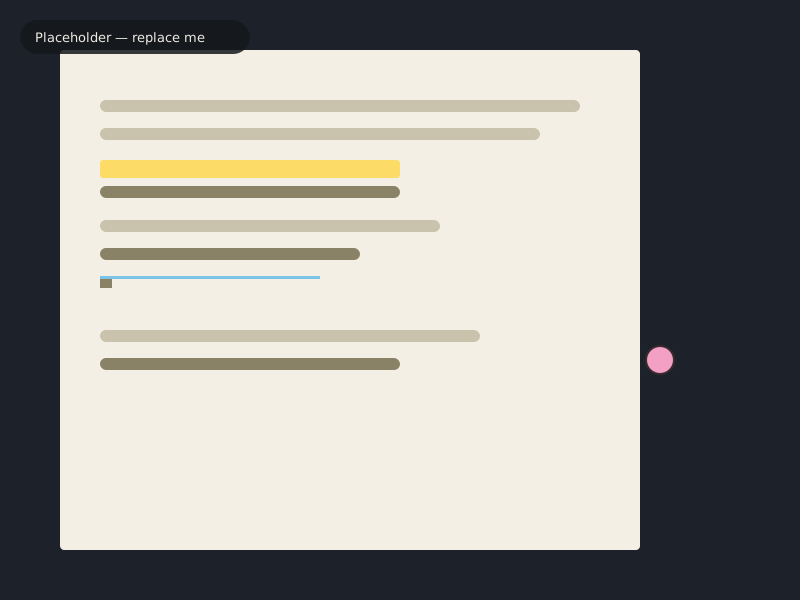
Mark up text exactly like you would with a pen, in five highlighter colors.
Circle a paragraph, sketch a diagram, underline something a highlight can't quite catch.
Pin a note next to any passage, exactly where it belongs — not in a separate app.
What you mark is saved as a standard PDF annotation — open the file in Acrobat, Preview, or anywhere else, and it's still there.
Click a PDF link anywhere on the web and Marginalia is already open, tools ready.
No account, no server, no upload. Your documents and notes never leave your browser.
A few screens from the extension. Click any of them for a closer look.
There's no premium tier, no paywall, no account wall. If it saves you time and you'd like to help keep it maintained, a small one-time or monthly gift genuinely helps — but it's never required.